TW-03Advise · Modernisation Services
Software modernisation and legacy replacement, without stopping the business
New life for old systems, without stopping the business. Old systems often do something essential that nobody fully remembers how to change. Replacing them in one big bang is risky. We modernise in steps: understand, protect, then improve or replace, so the business never has to hold its breath.
Parts list
What we do
Careful modernisation of ageing software: understanding what it does, reducing risk, and replacing or improving it piece by piece while the business keeps running.
- TW-03.01
System review
Mapping what the old system really does, including the parts nobody wrote down.
- TW-03.02
Incremental replacement
Moving functionality piece by piece to new software, with the old and new running side by side.
- TW-03.03
Data migration
Moving data carefully, with checks and rehearsals, so nothing is lost or mangled.
- TW-03.04
Cloud migration
Moving workloads off ageing servers when it makes sense, and not when it does not.
- TW-03.05
Integration
Connecting older systems to modern tools so they can keep contributing while change happens.
- TW-03.06
Safety nets
Automated tests and monitoring added first, so improvements do not break what already works.
In practice
How we keep the business running while it changes
Modernisation fails when it tries to replace everything at once. These are the habits that stop that happening.
Map it before touching it
What the old system really does, including the quirks people rely on without realising, written down and checked with the people who use it.
Protect it with tests and backups
Automated checks around the behaviour that matters, and backups proven by restoring them, before any change is made.
Replace it piece by piece
New parts take over one area at a time while the old system keeps running the rest, so there is never a single risky switch-over.
Move the data carefully
Data migrated in rehearsed steps, with checks that the numbers match, rather than a weekend of hoping.
In practice
Signs a system needs modernising
Age alone is not a reason. These are.
Only one person can change it
Knowledge of the system sits with a single developer or a supplier who is hard to reach.
It cannot talk to anything new
Connecting a payment provider, accounting package or customer portal means exports, imports and manual steps.
Updates are frightening
Every change risks breaking something unrelated, so changes stop happening and the business works around the software.
Security updates are no longer available
The language, framework or server underneath is out of support, which turns age into real risk.
TW-03 · Inside the machine
Modernisation
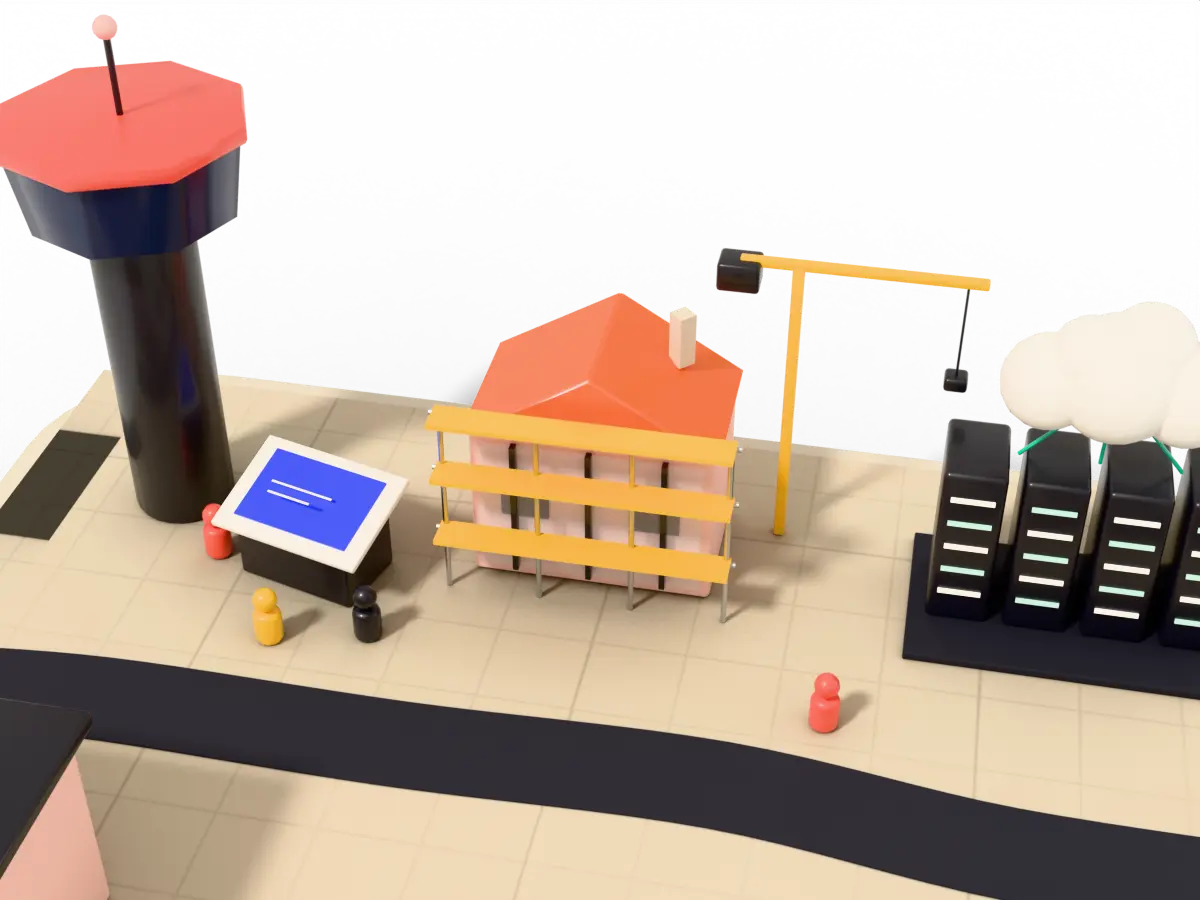
On our home page this lives in the Control Tower, the part of the machine that keeps everything running after launch.
See it workingWhy it matters
What this means for the business
Big bangs go wrong
Replacing everything at once concentrates all the risk on one day. Steps spread it out.
Knowledge is leaving
The longer a system goes unchanged, the fewer people understand it.
Old systems block new ideas
Modernising is often what unlocks the projects the business actually wants.
How an engagement could run
How a modernisation project runs
The usual shape rather than a fixed recipe. You will always know which station we are at and what comes next.
Understand
Read the code, talk to the users and map the data.
Protect
Add tests, monitoring and backups before changing anything important.
Improve
Replace or refactor in small, reversible steps, starting where it hurts most.
Retire
Switch the old pieces off cleanly once nothing depends on them.
Evidence
Modernisation Services: what we have built and written
Work we designed and built, and practical guides we wrote, so you can judge how we think before we talk.
Linkage
How it connects to the rest of the machine
Most good work touches more than one part of the machine. Here is how this one meshes with the others.
See every serviceQuestions
Modernisation FAQs
Our system is very old. Is that a problem?
Not for us. Age matters less than understanding what the system does, and that is where we start.
Do we have to stop using it while you work?
No. The whole point of the incremental approach is that the business keeps running.
Can you work without the original developers?
Yes, although anything they can tell us helps.
Last stop on the line
Got a wild idea? Good.
We like the ones that look impossible. Tell us what you are trying to build and we will tell you, honestly, how we would approach it.