KX-02The Shopfront · Frontend Development
Frontend development for interfaces people enjoy using
The part you see. The part you feel. The frontend is where all the engineering finally meets a person. We design and build interfaces that are quick, clear, accessible and, where it earns its place, genuinely delightful — on a phone in a car park as well as a big screen in an office.
Parts list
What we do
Interfaces, interactive experiences and responsive applications, designed and engineered together so the thing people touch is fast, accessible and a pleasure to use.
- KX-02.01
Interface design
Layouts, typography, components and states, designed as a system so the hundredth screen is as considered as the first.
- KX-02.02
Interactive experiences
Motion, 3D and playful interaction where it helps people understand something, and restraint everywhere else.
- KX-02.03
Responsive applications
Web applications that are designed for small screens, touch and patchy signal, not desktop layouts squeezed to fit.
- KX-02.04
User journeys
The route from first visit to finished task, mapped and simplified, so people spend less time working out the software.
- KX-02.05
Accessibility
Keyboard support, screen-reader semantics, contrast and reduced-motion handling built in from the start, aiming for WCAG 2.2 AA.
- KX-02.06
Frontend engineering
Typed, tested, component-based code with real attention to loading speed, Core Web Vitals and maintainability.
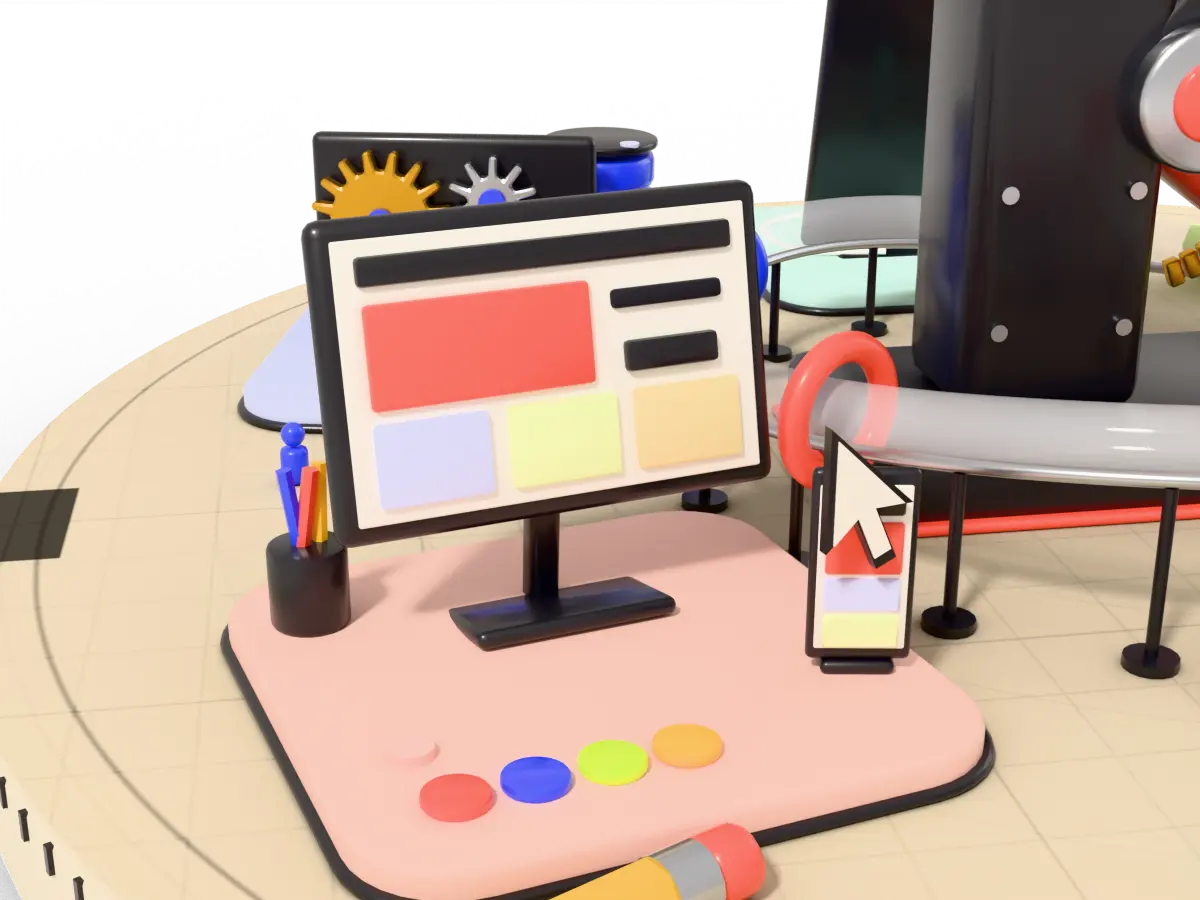
KX-02 · Inside the machine
The Shopfront
On our home page this module is a working part of the Klixix Contraption. Switch it on, pull the lever and watch it do its job.
See it workingWhy it matters
What this means for the business
People decide quickly
If a page is slow or confusing, most visitors never find out how good the product behind it is.
Clarity is a feature
Fewer support calls, fewer mistakes, faster onboarding. Good interface design shows up in operating costs.
Accessible is better for everyone
Clear structure and keyboard support help people with disabilities, and make the product easier for all users and search engines.
How an engagement could run
How a frontend project runs
Every project is different, so treat this as the usual shape rather than a fixed recipe. You will always know which station we are at and what comes next.
Look closely
We watch how the current interface is used, where people hesitate and what they actually need to get done.
Shape it
Design direction, a component system and prototypes of the key journeys, tested before they are polished.
Build it
Production frontend code, built from the same components, checked across devices, browsers and assistive technology.
Keep it running
Measure, refine and extend. Interfaces improve most once real people are using them.
Evidence
Frontend Development: what we have built and written
Work we designed and built, and practical guides we wrote, so you can judge how we think before we talk.
- Kingstanding TogetherA community website we designed and built: a services finder, events, a heritage archive and a groups directory.
- VPNewsA news publication we designed and built, with live court coverage, case trackers and search.
- Technical SEO for JavaScript-heavy websitesHow modern sites stay fast and findable.
Linkage
How it connects to the rest of the machine
Most good ideas need more than one module. Here is how this one meshes with the others.
Try combining them- The Pocket Workshop · Apps
- The Engine Room · BackendThe Engine Room keeps the data behind every screen fast and correct.
- The Platform · SaaSThe Platform gives the interface real accounts, roles and workflows to work with.
- The Broadcast Tower · GrowthThe Broadcast Tower brings visitors in; the Shopfront makes sure they stay.
Questions
Frontend development FAQs
Do you only do the design, or the code as well?
Both, ideally together. Designers and engineers working on the same thing produce interfaces that are easier to build and better to use.
Can you work with our existing design system?
Yes. We are happy to extend a system you already have, or to help you build one if it does not exist yet.
Is all this animation going to slow the site down?
Not if it is done properly. We set performance budgets, load expensive things progressively and always provide a fast fallback.
Last stop on the line
Got a wild idea? Good.
We like the ones that look impossible. Tell us what you are trying to build and we will tell you, honestly, how we would approach it.